Preparing for Your Airline Career Pilot Program
This is a general guide to help you prepare for your upcoming classes. Remember, it's always a good idea to refer to any specific instructions or communications provided by ATP regarding your class start date.
Select your starting point:
Pre-Arrival Requirements
Things to Do Prior to Your Class Start Date
Sign-In to Student Extranet
ATP’s Student Extranet is web-based flight training management system featuring:
- Scheduling
- Program Outline
- Lesson Plans
- Guided Independent Study Courses
- Reference Library
- Statement of Account
Sign-in to Student Extranet by clicking “Student Sign-In” on the ATP home page. On your first visit, click the “Register” tab, and enter your cell phone number. The system will send you a temporary password by text message for your first sign-in.
Guided Independent Study Required Before Class Date
Prior to your start date, complete the ATP Orientation guided study course. You're also encouraged to review the Private Pilot guided study course. It contains information about how ATP operates our airplanes that will help you transition smoothly from your current flight school and equipment over to ATP’s flight operational environment.
Required Gear and Materials
Mobile Phone
You must have a mobile phone with SMS/text messaging to receive important communications from ATP during your training. Your carrier may charge standard text messaging rates based on your wireless plan. ATP recommends an unlimited text messaging plan, since you may send/receive 100+ text messages per month related to ATP training.
iPad
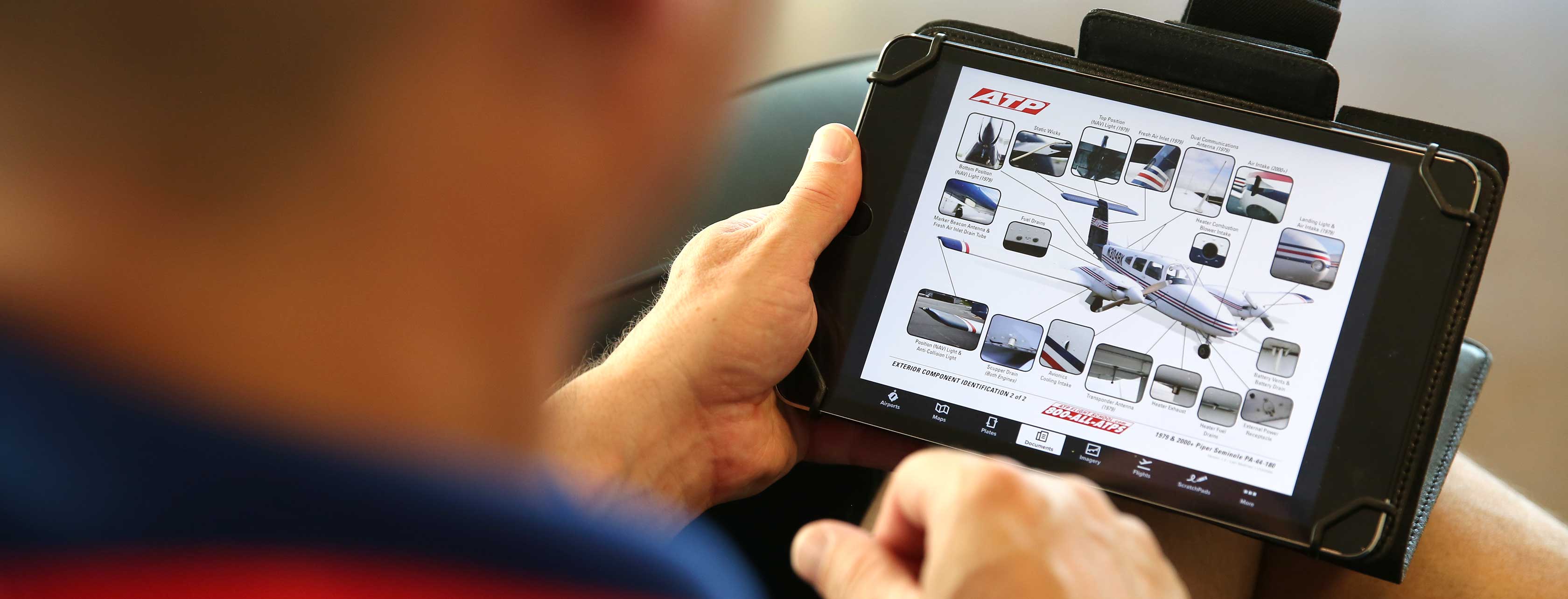
You must have an iPad for your training library, and charts and plates.
ATP requires students to have an iPad with WiFi + Cellular. You will need the latest version of iOS installed.
Cellular is required because it provides the GPS receiver for ForeFlight and improves situational awareness. You do not have to activate a cellular data plan to use the GPS, but you will likely find cellular data to be very convenient when needing to access data on the ramp and away from a WiFi signal.
ATP recommends the small to medium sized ipad, which balance ease of studying with a practical size for use in the airplane. Pick whichever model you like best. Please note that ForeFlight no longer supports the following iPad and iPhone models for new app updates: iPad 4 and older, iPad Air 2 and older, iPad mini 4 and older, and iPhone 7, 7+, SE, and older.
For more details, see ForeFlight’s Buying Guide and ForeFlight Minimum iOS Requirements.
iPad Apps
Students will need to purchase and download a few applications directly from the iTunes App Store.

ATP Flight School iOS App
You will need to download the ATP Flight School iOS App for a fast, lightweight app to make preflight planning and flight tracking a breeze. The ATP Flight School app allows ATP students and instructors to review aircraft information, block out flights, submit maintenance reports, and more.
Download via the Quick Links on your Student Extranet portal.
Required iPad Apps

ForeFlight Mobile EFB App
You will need to purchase the ForeFlight Mobile EFB app. Please have it downloaded before you arrive for training.
Download ForeFlight Mobile EFB »
Jeppesen Charts for ForeFlight
Take Foreflight to the next level with integrated Jeppesen Charts and train using the same industry-standard resource used by the airlines. Jeppesen Charts is utilized during the instrument stage of the Airline Career Pilot Program. You will need to purchase a subscription for Jeppesen and connect it to your ForeFlight account before you arrive for trainingbefore you begin the instrument stage of training.
Subscribe to Jeppesen Charts for ForeFlight »Discounted Subscriptions
Airline Career Pilot Program students are eligible for these discounted subscriptions:
Optional iPad Apps
Prepare in advance for your flight training by accessing supplementary resources to complete your Airmen Knowledge Tests and participate in ATP Elevate Ground School.

FAR/AIM App
ATP also recommends purchasing the FAR/AIM App for fast, offline access to FARs. Included in your training bundle is a hardcopy of the FAR/AIM and you can also use the free eCFR website for reference to the FARs.

Sporty's Study Buddy
ATP recommends Sporty's Study Buddy app to prepare for the private pilot knowledge test.

Flight Test 5 App (Sheppard Air)
For FAA knowledge tests other than private pilot, ATP recommends Flight Test 5 from Sheppard Air for exam preparation and practice.
Laptop or Desktop Computer
For the best experience with virtual remote ground school over Zoom, ATP recommends students have a laptop available in addition to an iPad. Learn more about ATP's online training resources.
ATP Training Bundle
When you schedule your program, ATP will send you the following training materials. Check your packing list and contents against the list below. Bring everything to the training center on your class date.
Learn more about the ATP Training Bundle.
- ATP Training Supplements:
- Cessna 172 Training Supplement
(provided at training center) - Piper Archer Training Supplement
(provided at training center) - Cross-Country Flight Planning Supplement
- Piper Seminole Training Supplement
(provided at training center) - ForeFlight & Chart Training Supplement
- Cessna 172 Training Supplement
- FAA Airman Certification Standards (ACS) / Practical Test Standards (PTS):
- Private Pilot
- Instrument
- Commercial
- Flight Instructor Single-Engine
- Flight Instructor Instrument
- Gear:
- Manual Flight Computer
- Rotating Azimuth Plotter
- VFR Training Chart
- Manual Flight Computer
- Rotating Azimuth Plotter
- VFR Training Chart
- Wanaroam Flite 1.0 “ATP Flight Crew” Bag
- ATP Hat
- ATP Solo T-Shirt
- 5× ATP Dri-Fit Polo shirts
- FAA Handbooks:
- Pilot's Handbook of Aeronautical Knowledge
- Airplane Flying Handbook
- Instrument Flying Handbook
- Aviation Instructor's Handbook
- FAR/AIM
Pilot Gear
In addition to the training aids included in your ATP Training Bundle, you will also need this pilot gear, available on PilotMall.com:
- Headset
- Kneeboard suitable for iPad
- Flashlight (Recommend MagLite or Smith & Wesson brands.
Flashlights with colored lenses recommended to protect night vision.) - Seat Cushion for students shorter than 5'4".
- Travel Bag (carry on size)
- View Limiting Device
- VFR Sectional Chart
(You’ll use your iPad for most flight planning, but a
paper sectional is helpful during Private Pilot training.)
Dress Code
During training, students must maintain a professional appearance and adhere to the dress code.
- Chino-style pants or shorts (solid colors)
- Long or short sleeve shirts with collar (solid colors)
- Closed toed shoes (no sandals, flip-flops)
- (Expanded uniform policy)
ATP provides student uniform shirts at no cost to students enrolled in the Airline Career Pilot Program. At the time of scheduling, provide your shirt size and five free ATP Dri-Fit Polo shirts will be included in your training bundle. To order additional shirts and other ATP gear, students can go directly through PilotMall.com.
Prior to receiving your ATP uniform shirts, students are permitted to wear solid color, collared shirts.
Starting Training
Documents & Identification
Bring the following official documents with you for check-in on your class date:
- Identification
- Un-expired, Valid US Passport, OR
- Original or Certified Copy of Government-Issued Birth Certificate
(Birth certificate must meet acceptable criteria.)
- FAA First Class Medical Certificate with no limitations (except for corrective lenses)
(Find a qualified Aeromedical Examiner at FAA.gov) - Proof of a Physical Address (not a PO Box) using your government-issued photo ID or one of the Acceptable Forms Of Applicant Address Verification found on page 3 of the Authorization Requirements Matrix.
- Student Pilot Certificate
- Log Book(s), with at least:
- 43+ Hours Total Flight Time, including
- 10 Hours Solo
- 8 Hours Cross-Country PIC
- 43+ Hours Total Flight Time, including
- Private Pilot License
- Log Book(s), with at least:
- 78 Hours Total Time
- 8 Hours Cross-Country Time
Transportation
You will need a vehicle for transportation to and from the training center.
ATP Housing
If you’re using ATP housing, you will need to bring the following:
- Linens for twin size mattress
- Bath linens
Arrive at the Training Center
Plan to arrive at 8:00 AM local time to meet your assigned flight instructor and begin the check-in. Please see our training center directory for addresses and directions to your training center.
Payment
Your first payment will be due upon arrival at the training center.
If you’re financing your training, make sure that your financing process is complete and that your Student Extranet account shows the first loan disbursement pending.
For non-loan payments, please review the payment schedule and your Student Extranet account for amounts due.
ATP accepts payments through our secure ACH online payment system (eCheck). This convenient method allows students to make payments directly from their bank account, eliminating the need for paper checks.
Please note: Personal checks cannot be processed at ATP training centers.
Expectation of Training Consistently
Students should be prepared and expect to fly five flights per week on average throughout the program. Some weeks will require more, some will be less due to weather and other factors. It takes an average of five flights per week to complete the program in the prescribed time frame. Students active in managing their program will communicate with their instructor if they feel they should be scheduled more. After speaking with your instructor, if your schedule is still not leading to this level of activity, students should reach out to their local Training Support Specialist, Training Support Manager, or Training Support at Admin.
Flight Training Lessons and Activities
Each day will be a combination of guided independent study, group study with fellow students, AATD simulator lessons, and flight lessons.
Learn more about a typical flight training day »
Getting Ahead
Get Ahead in Your Flight Training
ATP Elevate Ground School
ATP's Elevate Ground School, accessible through your Student Extranet platform, provides an enriching learning experience. It offers a dynamic calendar, live ground sessions, progress tracking, and dedicated assistance from the Elevate team. This proactive approach ensures that you are fully prepared to excel in the Airline Career Pilot Program right from the start.
- Interactive, Instructor-Led by Seasoned Senior Instructors
- Nationwide Virtual Attendance
- For Two Weeks During the Private Pilot, Instrument, and CFI Stages, You'll Attend Elevate Ground School.
- Exclusive to the Airline Career Pilot Program and Included in Program Cost
FAA Airmen Knowledge Tests
Get ahead by completing one or more knowledge tests prior to starting your training at ATP. For additional resources, explore our list of recommended iPad study apps.
Questions?
For any questions completing this checklist, please contact ATP Training Support Team at 904-595-7992 or [email protected].

